Description
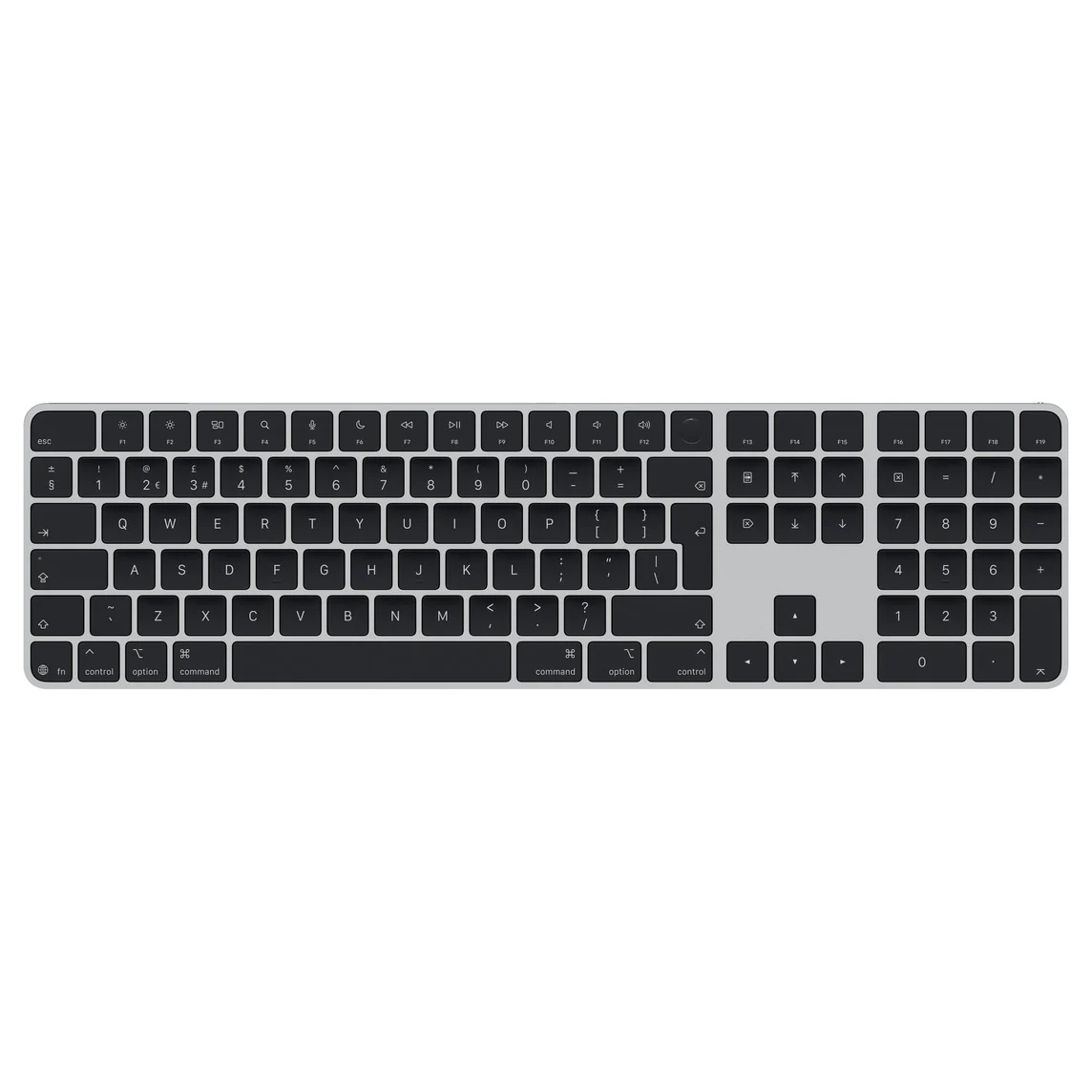
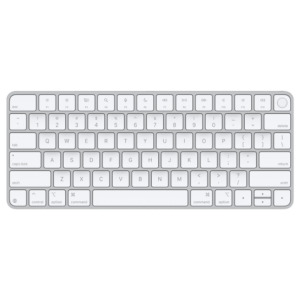
Apple’s Magic Keyboard with Touch ID and Numeric Keypad is the extended-layout keyboard made for Mac users who want Touch ID convenience and a proper number pad.
It is a full keyboard, not a small standalone keypad, with navigation keys and full-size arrow keys for everyday macOS work.
This listing is for the Lightning generation, identified by model number A2520.
It connects over Bluetooth for a clean desk setup, and the Lightning port is used for charging and wired pairing when needed.
Touch ID support is very specific. The keyboard can still type on many Macs, but the Touch ID sensor only works with Apple silicon Macs on supported macOS versions.
If you are buying it mainly for Touch ID, confirm your Mac chip type and macOS version before checkout.
Some sellers casually call this “Magic Keyboard 3 with Touch ID.”
Apple does not use that naming. For accurate compatibility, always match the model number on the underside of the keyboard: A2520.
Detailed Compatibility
Correct Product Identification
- Apple keyboard type: Magic Keyboard with Touch ID and Numeric Keypad
- Model number: A2520
- Port type: Lightning (charging and wired pairing)
- Generation / era: Apple silicon era (introduced 2021)
Touch ID Supported
- Mac with Apple silicon (M-series)
- macOS Big Sur 11.4 or later
Typing Works, Touch ID Not Available
- Intel-based Macs (keyboard input works, Touch ID does not)
- Apple silicon Macs running macOS earlier than 11.4
Not Compatible With
- Touch ID on Intel Macs (Touch ID features will not function)
- USB-C charging expectation (this A2520 version charges via Lightning)
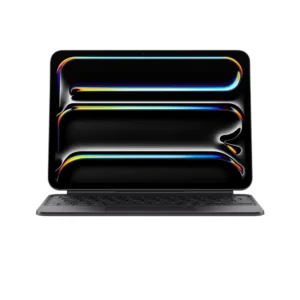
- Magic Keyboard for iPad (iPad case-style keyboard with trackpad, different product)
Technical Specifications
| Product |
Apple Magic Keyboard with Touch ID and Numeric Keypad |
| Model Number |
A2520 |
| Year Introduced |
2021 |
| Connectivity |
Bluetooth (wireless) |
| Charging / Wired Pairing |
Lightning |
| Authentication |
Touch ID (requires Apple silicon Mac) |
| Touch ID System Requirement |
macOS Big Sur 11.4 or later on Apple silicon |
| Layout |
Extended layout with numeric keypad, navigation keys, and full-size arrow keys |